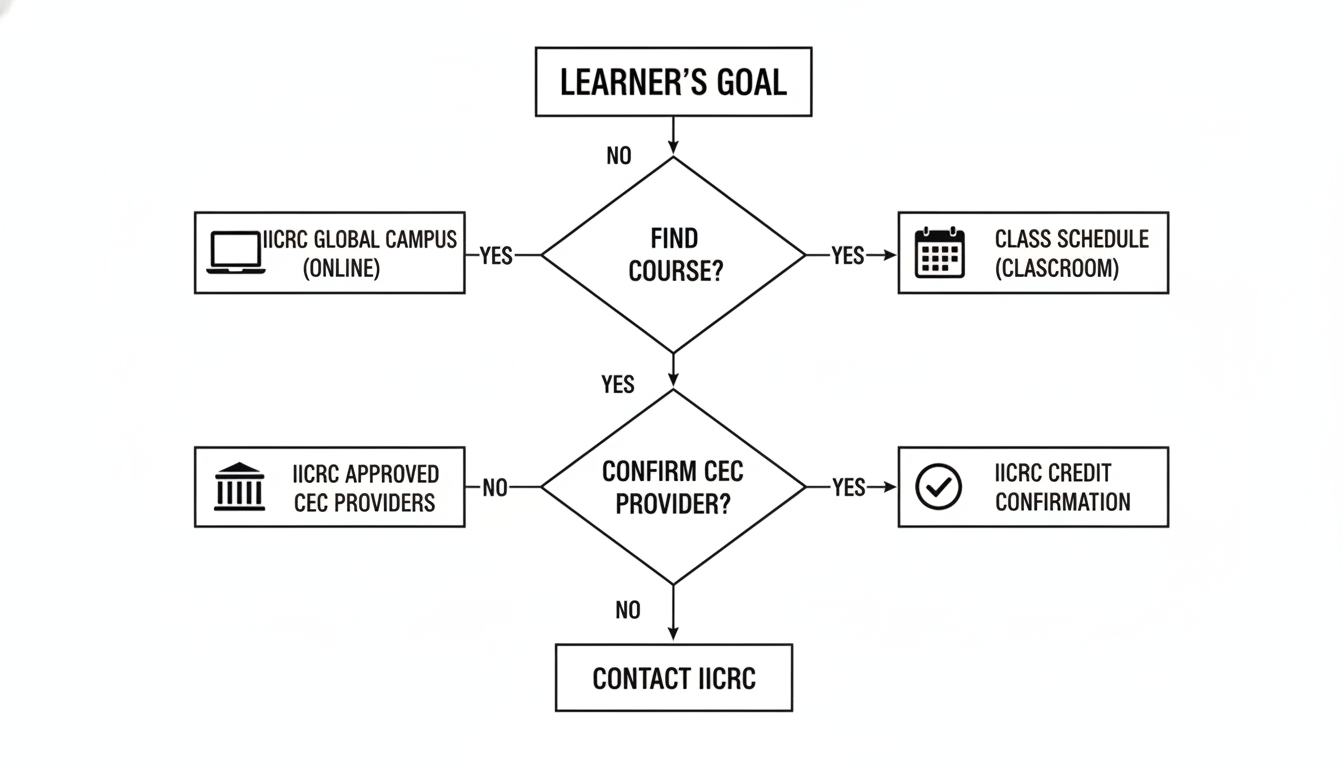
Next, run your search like you are trying to prove the course is right, not just hoping it is.
If you do one thing, do this: copy the exact course title (and any course number) from the sales page and search it directly. If the listing does not appear with an exact match, treat that as a warning sign and pause before paying.
Also, keep your terms specific so you do not get outdated or unrelated pages. These are the phrases that usually bring up the right results faster:
Here’s the catch: broad terms like “IICRC CEC” can return provider blog posts, old PDFs, or marketing pages that look official. When you find a result, open it and confirm it is the actual course listing, not a directory summary.
So, verify the details that matter to your renewal before you enroll. A 2-minute check now can save you hours of back-and-forth later, especially if you are renewing close to your deadline.
Check these fields line by line:
Course title matches the sales page (watch for “v2”, “2024 update”, or similar variants)
Delivery format matches what you need (online, in-person, live webinar, self-paced)
Credit hours match your target (for example, if you need 14 total hours, a 7-hour course only gets you halfway)
Expiration status is valid (avoid expired or discontinued listings)
Prerequisites are clear (for example, an applied course may expect a prior certification or a specific class)
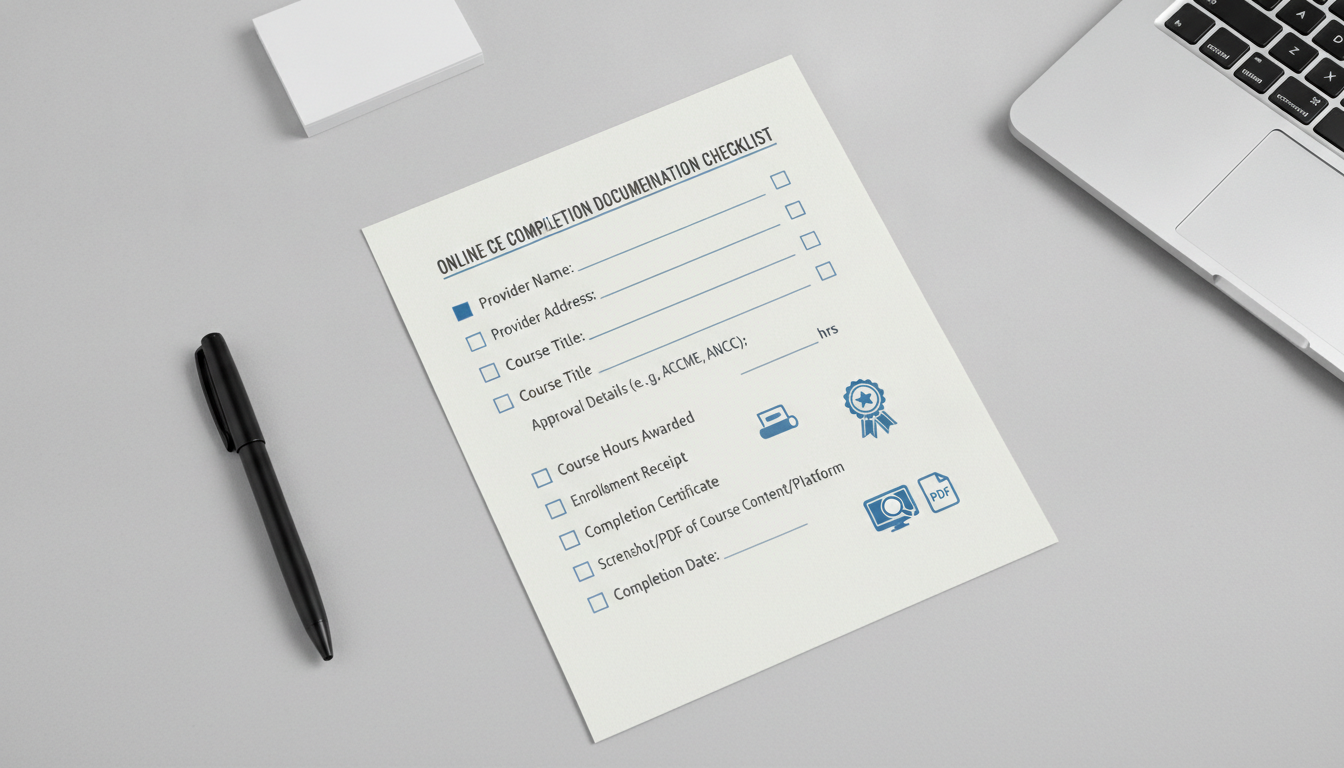
Common mistake: buying based on the provider’s checkout page name (which may be shortened) instead of the official listing title. Fix: match the exact title word-for-word, then keep a screenshot or PDF of the listing for your records.